
Xubuntu 26.10 released!
The Xubuntu team is happy to announce the immediate release of Xubuntu 26.10.
Xubuntu 26.10, codenamed Stonking Stingray, is a regular release and will be supported for 9 months, until July 2027.
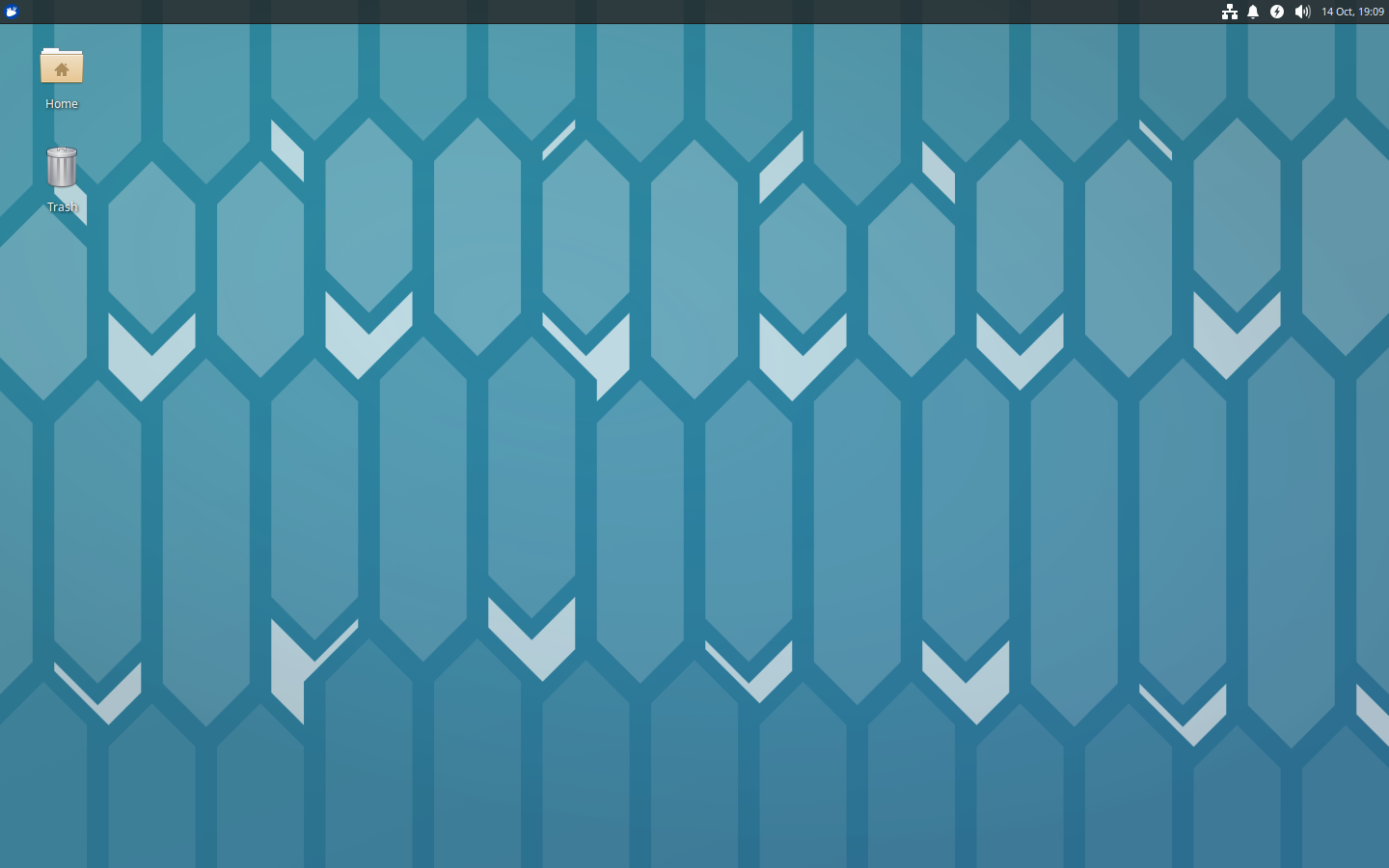
Xubuntu 26.10 features the latest Xfce 4.20 and GNOME 50 updates. Xfce 4.20 updates feature stability improvements and enhanced Wayland support, for those adventurous enough to use it. GNOME 50 apps have received further polish and are well-suited for Xubuntu. MATE 1.28 apps are still included to round out Xubuntu’s office suite.
The final release images for Xubuntu Desktop and Xubuntu Minimal are available as torrents and direct downloads from xubuntu.org/download.
As the main server might be busy the first few days after the release, we recommend using the torrents if possible.
We want to thank everybody who contributed to this release of Xubuntu!
Highlights and Known Issues
Highlights
- Xfce 4.20 components have received further stability and Wayland improvements, including fixes for several Thunar crashes and a more resilient Xfce Panel on Wayland.
- Ristretto 0.14.0 adds slideshow shuffling, sorting that follows Thunar, opening images from web links, and smarter printing.
- Xfce Screenshooter 1.11.3 now supports region and fullscreen screenshots on Wayland and has sharper previews on HiDPI displays.
- Xfce Terminal 1.2.0 brings Shift+Enter to jump between search matches, an option to turn off URL highlighting, better mouse pass-through for programs like tmux and vim, and lower CPU usage.
- Xfce Power Manager 4.20.1 adds shutdown as an inactivity action and fixes backlight device selection.
- GNOME 50 apps, including Disk Usage Analyzer, Font Viewer, Mines, Sudoku, and Document Scanner, are further refined with new features and usability improvements.
- LibreOffice 26.8 and GIMP 3.2.6 bring the latest features and fixes to Xubuntu’s office and graphics apps.
Known Issues
- The graphical SSH agent is unavailable due to a change in the GNOME Keyring Daemon (LP: #2125549).
- The lock screen may use the wrong wallpaper. Manually changing your wallpaper will update the lock screen to match (LP: #2107239).
- No shutdown prompt is shown after installation. Press the Enter key to continue with the reboot (LP: #2170663).
Please refer to the Xubuntu Release Notes for more obscure known issues, information on affecting bugs, bug fixes, and a list of new package versions.
The main Ubuntu Release Notes cover many other packages we carry and more generic issues.
Support
For support with the release, navigate to Help & Support for a complete list of methods to get help.